A short list of helpful tools for design
Martin, a Senior Designer at Madeo, shares his favorite tools for design inspiration, getting started, what works best for team collaboration.
Last week, the team was having a discussion about which platform is the best for creating music playlists at work.
Was it YouTube? Spotify? Something else? The conversation quickly shifted toward the tools that help us make things. We thought it would be interesting to share some of them and learn about what other designers, engineers, writers, and strategists use. In this post we invited Martin, a Senior Designer at Madeo, to share his favorite tools for design.
Design Inspiration
Panda 4
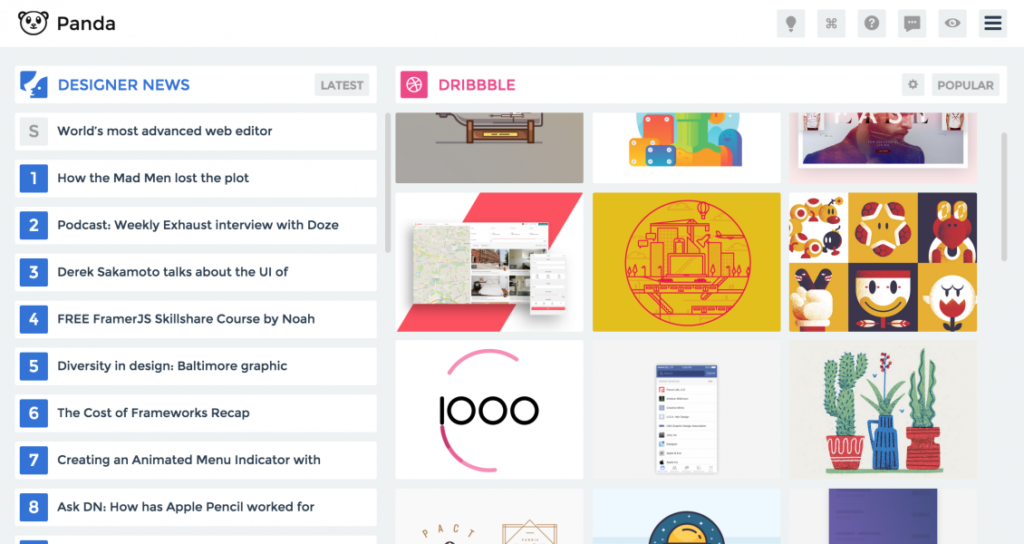
Panda 4 is an interesting way for me to come across new products and digital projects just by opening my browser. It’s a Chrome web browser extension that pulls the latest within design, tech, and entrepreneurship, and displays it all as a default homepage. It gives me news from several different sources, and features design work from sites like Dribble, Behance, and Awwwards.
I really like Twitter, because I can follow other creators, get inspired by their ideas, and engage with them about design and collaboration. It’s cool to share interesting things that I find not only within the design world, but music and art as well.
Bookmark OS
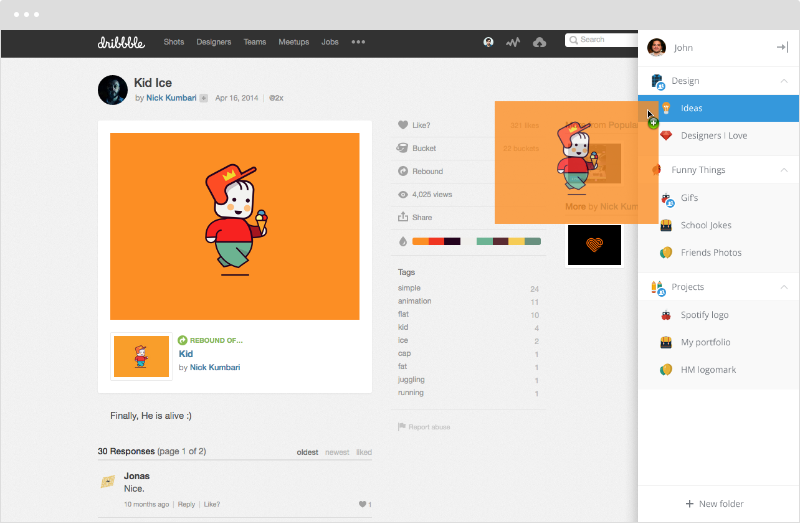
When I do find interesting references, Bookmark OS makes saving and organizing them pretty easy. I can simply drag an inspiration into the right sidebar of my browser. It works for links, text, images, and videos. I use it a lot, so it helps to create custom folders to organize my finds based on projects I’m working on, or different client teams that I collaborate with through the digital team.
Getting Started
YouTube
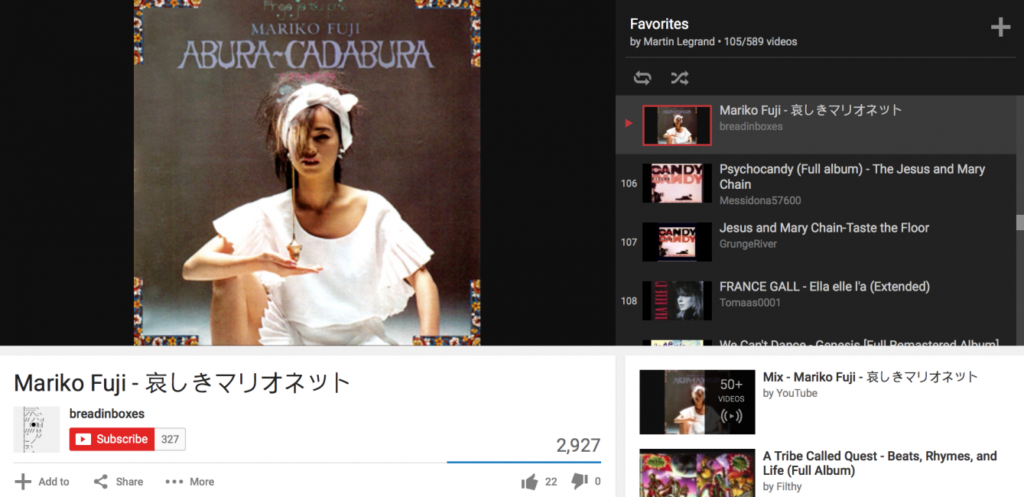
Before I get to work on making anything, my music has to be in order! I love to use YouTube while I’m designing. You can learn about so much new and inspiring music, and the videos can be inspiring, too. I like 80s music a lot, so lately I’ve made a few playlists for different work moods. Here is a playlist with some of my favorite tracks.
Pencil & Paper
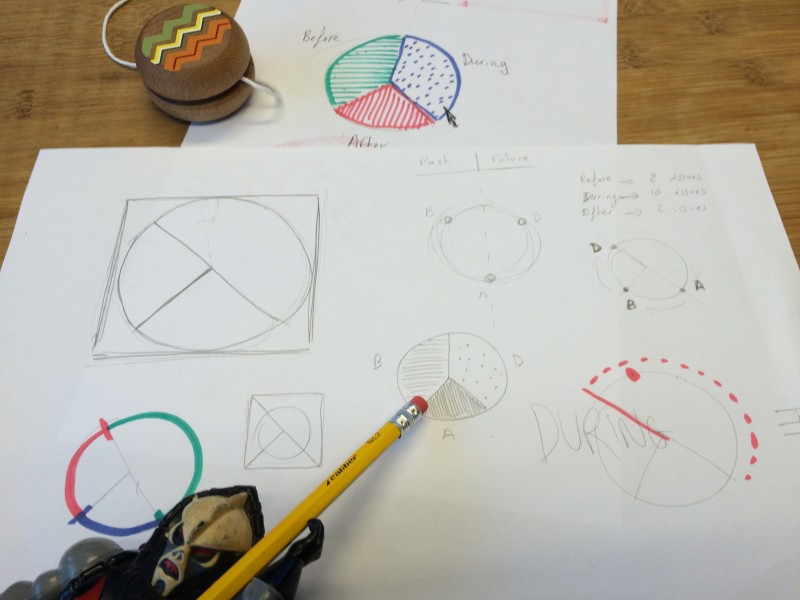
It’s just the best way for me to start an idea. I can sketch ideas for a design. I also prefer to draw out website or app wireframes on paper. After I have my initial concept, then I can start creating on my computer.
I insist on using a pencil instead of a pen when I draw. I don’t know. There’s something about pencil on very white paper that looks better than pen.
Collaboration
Whiteboard & Marker
It’s just like using paper and pencil, except with teammates. We get lots of space to sketch out ideas, and visually present what’s in our heads. No matter what digital tools I discover as a designer, I think there will always be a place for a whiteboard and marker in my life.
Slack
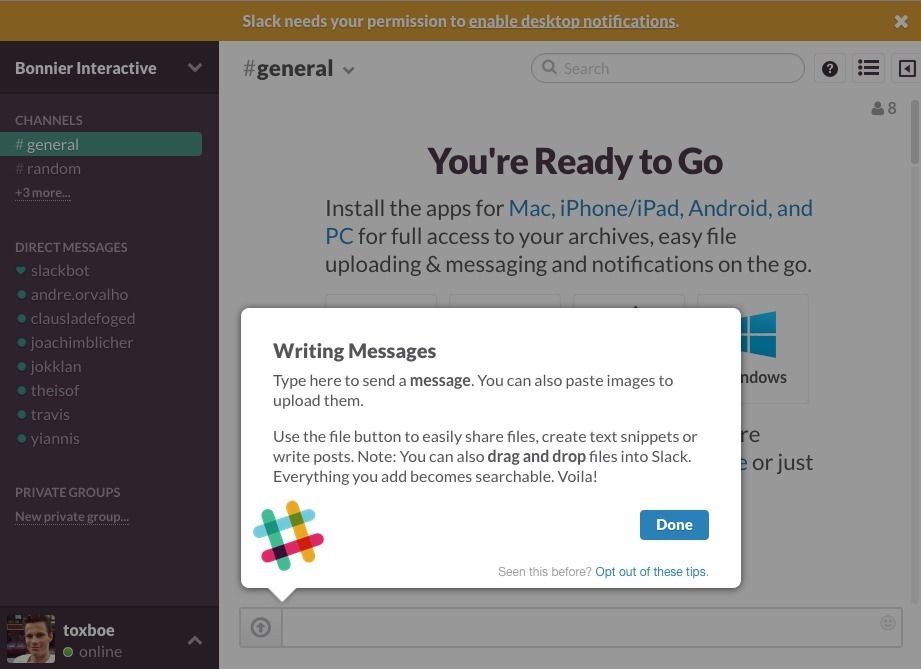
Slack is so cool! It’s like email, but much faster. You can even share files and links just like in email, so it’s good to send messages and communicate quickly. We use it a lot at Madeo. We have a few different channels in the app, so it keeps our conversations organized. One channel might be related to a particular project, and another channel could be filled with talk about lunch plans or after work events that we’re going to.
InVision
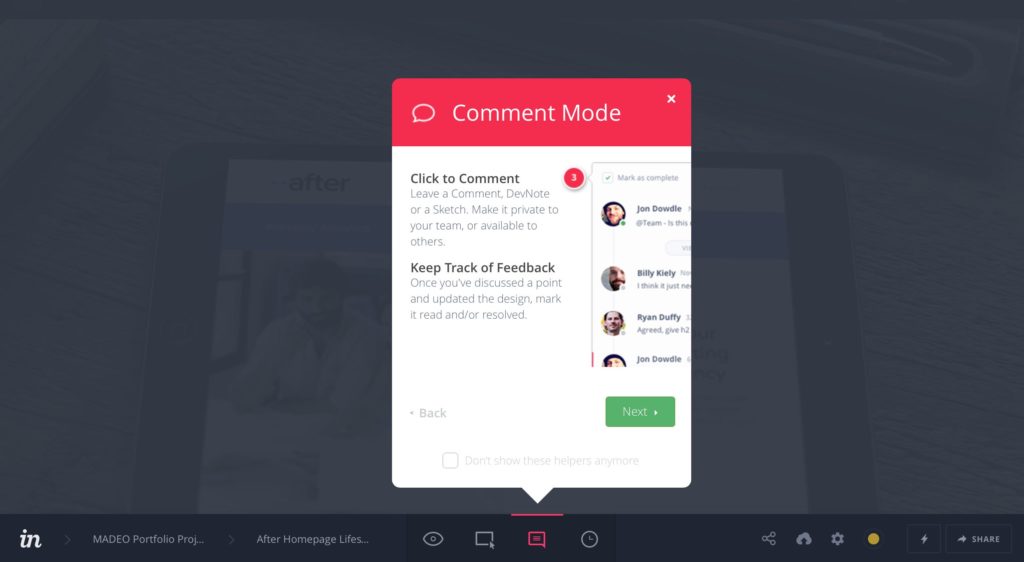
My process involves much more than just designing. I get to enjoy prototyping and exchanging ideas with team members of all disciplines – from copywriters and developers, to project managers and content strategists. InVision makes collaboration for our team very meaningful. I can share my designs and get feedback from everyone on the project. You can comment, communicate, and keep track of a design throughout all phases of its implementation.
Trello
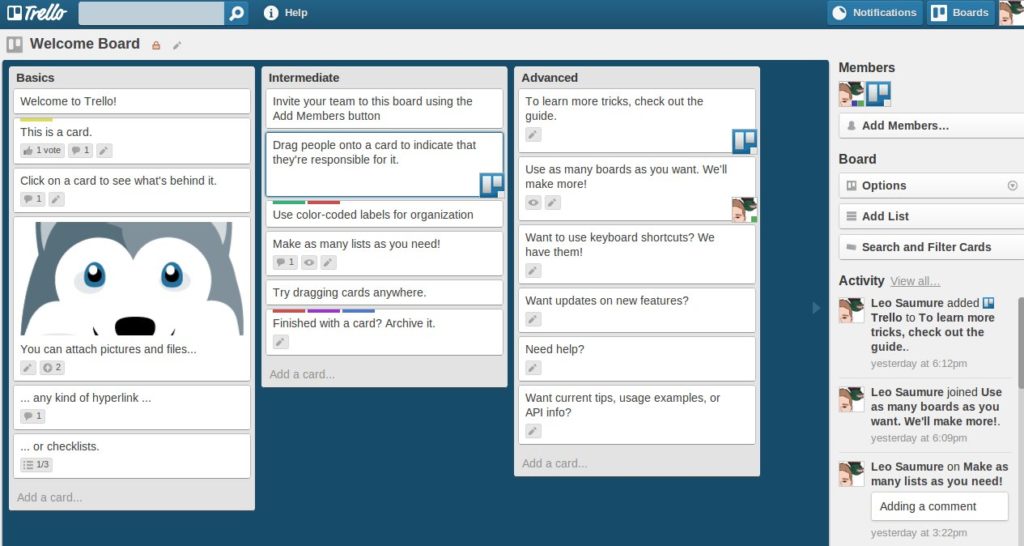
It’s good to have a tool like Trello for organizing the workflow of a project, especially complex long term projects. A Madeo project manager usually start the project board on Trello and then I also take on my list for the design workflow. We can organize tasks with visual cards, which is part of why we like it. You can clearly set priorities, due dates, create checklists, track progress toward goals. You also clearly see where everyone else is within a project by looking at the board.
Kind of Random
Copy Paste Character
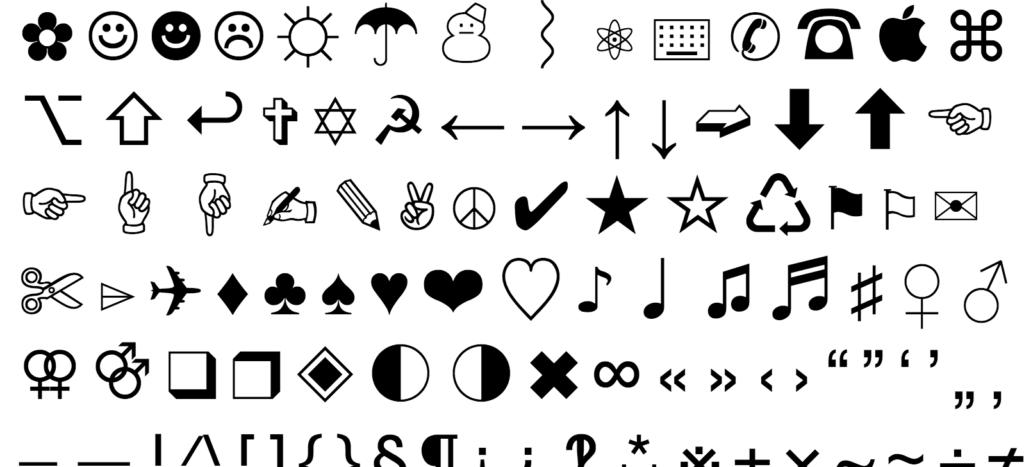
I use this website to quickly throw in some interesting characters into emails, tweets, and sometimes into buttons.
Fonts Ninja
I love fonts, so I really like Fonts Ninja, because it quickly shows me the font name, size, letter spacing, and line-height that a website is using. The extension almost encourages me to check put new fonts.
Color Picker
There isn’t a particular one that I use. Any color picker app will do. It’s very useful and saves time if I need to know the exact hex code of a color. Having a color selecting tool that’s handy is key.
And of course…
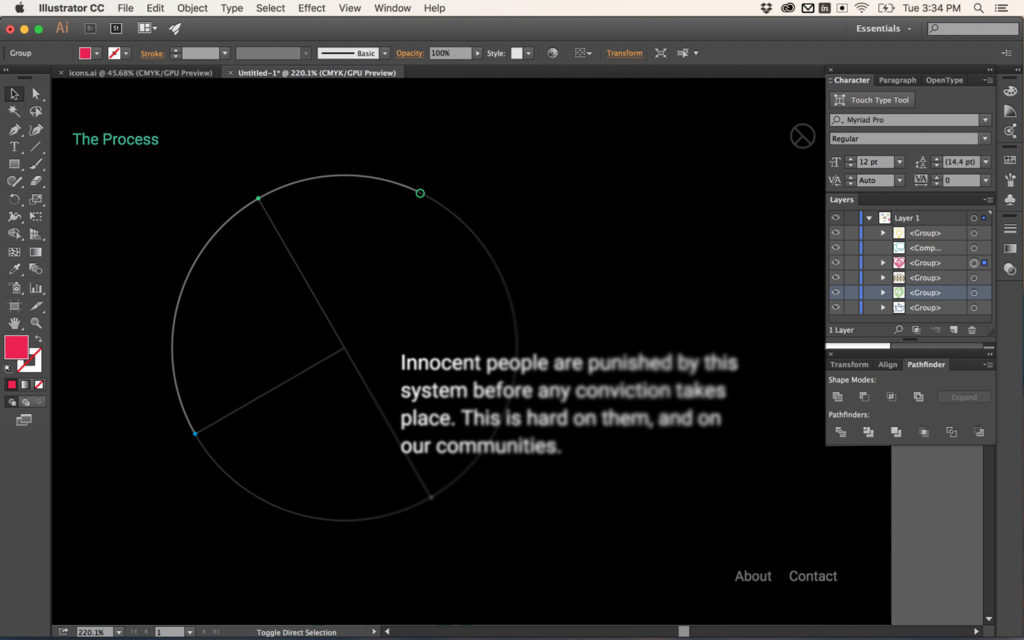
Adobe Suite + Sketch
Learn more about Madeo’s experts, and follow us on Instagram to join the conversation on tools, habits, and making things better by design.